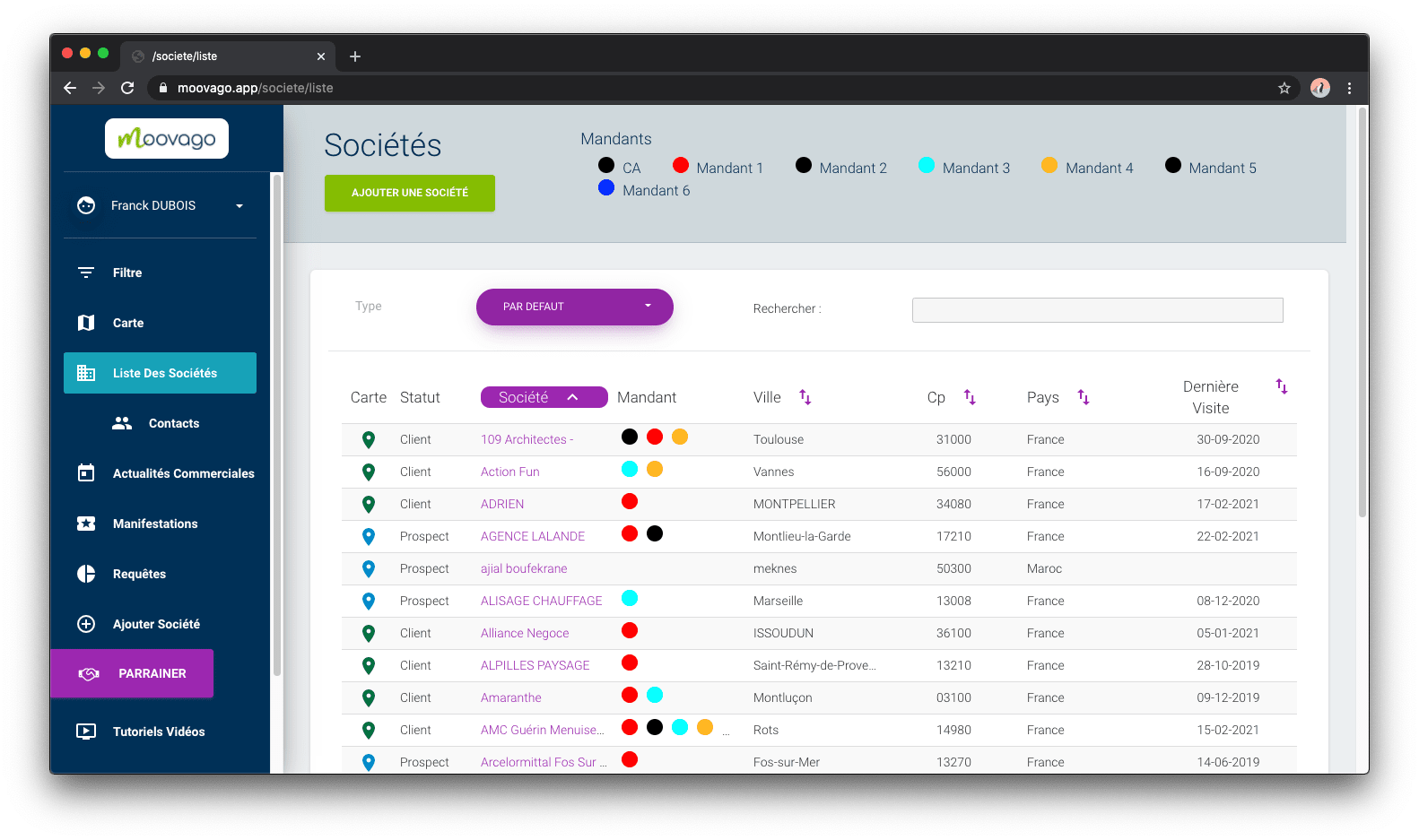
By clicking on the purple “default” button, which opens a drop-down menu.
Depending on your profile, 2 to 3 options are available
A - Search by company name
To use this first (default) option, you need to know the full and most precise name of the company you’re looking for.
You can also search by location (department code, zip code or town name).
COMPANY RECORD NO. option: Search by company record no.
B - Search by principal or company number
You can also find a company by its associated principal number (choose “N° Mandant” from the drop-down menu next to the search bar). If you know it, you can also find the company using the number specific to that company in Moovago (choose “Company file no.” from the drop-down menu next to the search bar).