


Add a new company (web)
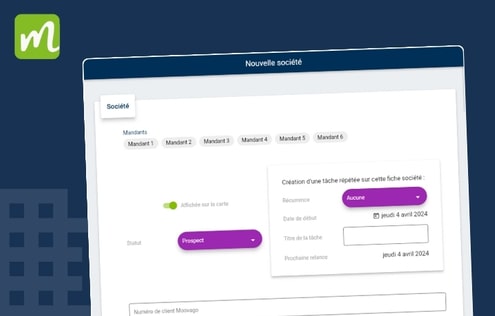
1st method: via the Moovago map, using Google Maps Visit www.moovago.app Make sure the cursor at the very top (right of the search bar) is on the “Google Maps” side and not on the “Moovago” side, to put you in “search” mode. Type your search term, or the exact company name you’re looking for, into […]
Add Moovago shortcut to your desktop on Mac (web)
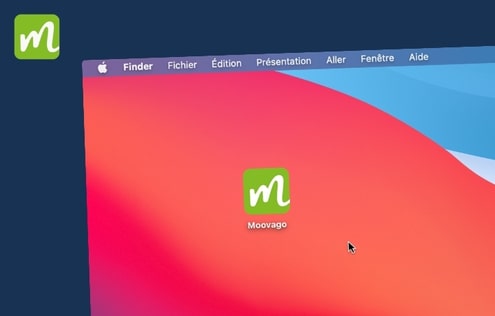
Open Google Chrome and go to the Moovago web application Go to your browser settings To do this, select the 3 dots at top right. Click on “Caster, save and share” then on “Create a shortcut…”. Name your shortcut and create it Now go to your desktop for direct access to the application!