


Create a repeated task (video – web)
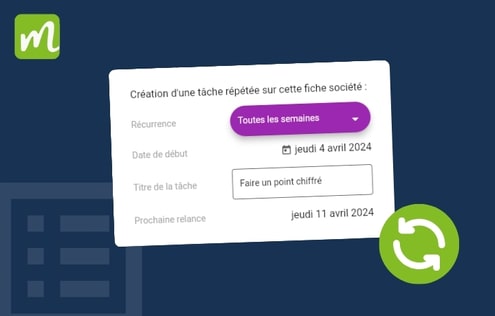
How do I create a repeated task in Moovago?
Manage duplicate companies and addresses (web)
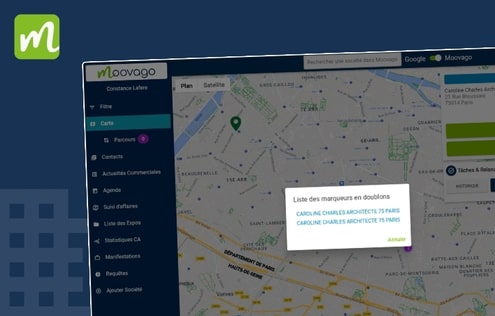
What should I do if there are duplicate companies on the Moovago map?
Change default map display distance (mobile)
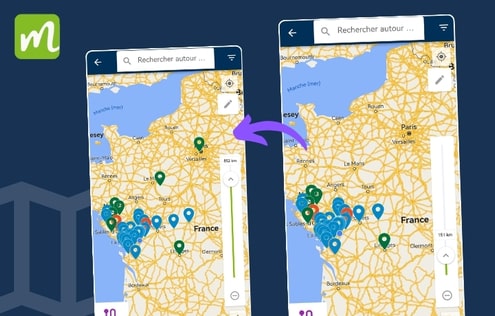
Updated on 14/11/2025 Video tutorial for changing map display distance on cell phones In Moovago, you can only show markers on the map within a certain radius of you. A handy mobile tool for displaying only those companies in your vicinity and streamlining your map view. Note that you need to have activated your phone’s […]
Assign a task to another user (video – web)
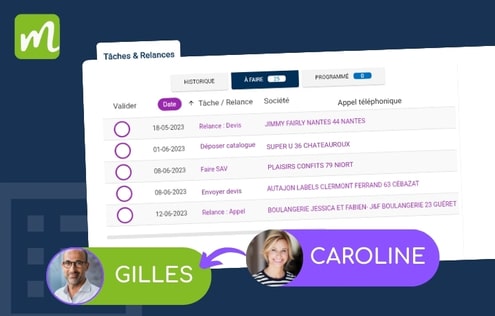
How tasks work in Moovago One of Moovago’s strengths is that it lets you work as a team. Thanks to linked sessions, a sales team, or a sales representative and his principal, can feed the same customer or prospect database together. In particular, you can assign tasks to another user (a secretary for her sales […]
Manage principals: add, delete and customize (web)
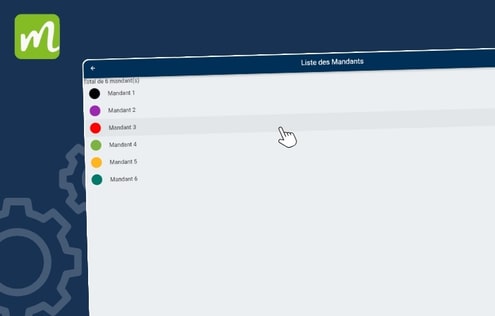
How to use the principal settings on Moovago Watch the video tutorial above to learn how to manage principals (or brands, or suppliers) in Moovago : Add a principal, Modify a principal, Delete a principal.
How to change a company address in Moovago (web)
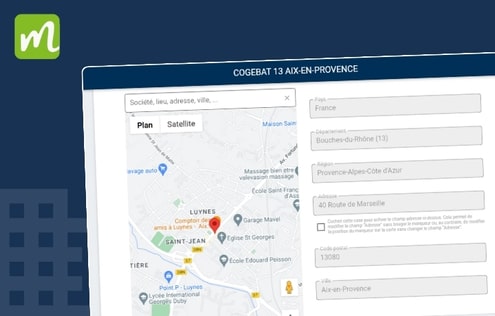
Updated on 12/11/2025. In Moovago, you can change a company’s address or the position of its markers on the map. You will need to modify this address in several cases: The company’s address has changed and needs to be updated, The company has not been registered at the right address (in the case of an […]
Change default mail application on Android (mobile)
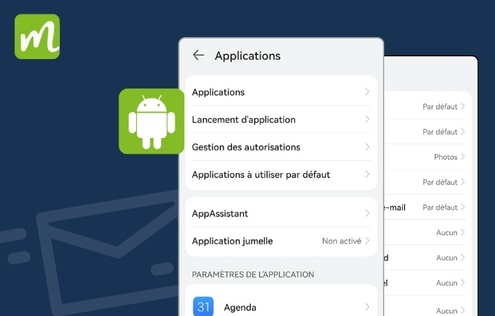
Updated on 13/11/2025. Go to your phone’s settings Go to “Applis” a little further down Go to Settings (the 3 dots at top right) Click on “Other settings”. Now click on “Manage default apps”. Select “E-mail” at the bottom Choose your preferred e-mail application
Sales revenue: principle and functions (web)
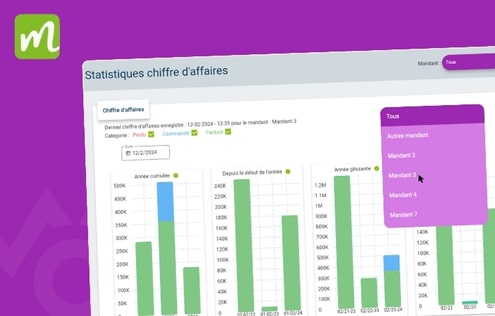
Watch this sales revenue presentation video The purpose of this video is to show you how sales revenue works in the Moovago sales CRM.
Search the list of companies (web)
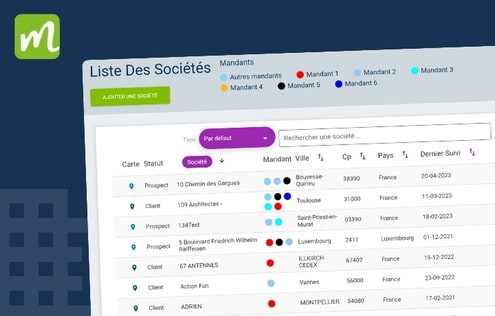
Updated on 12/11/2025. Go to the the Moovago web application We recommend you use the Chrome browser. Go to the company list, under “Contacts”. You can choose your search type By clicking on the purple “default” button, which opens a drop-down menu. Depending on your profile, 2 to 3 options are available A – Search […]
Change Moovago’s default home page (web)
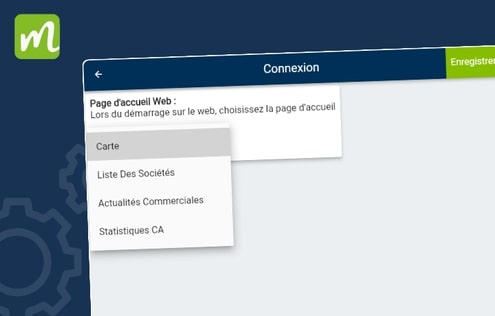
Updated on 12/11/2025. IMPORTANT NOTE: this option is only available on the Moovago web application. Visit moovago.app Open your search browser (we recommend Google Chrome). Go to the Moovago web application; then to “Settings”. Then in “My Session Settings And finally in Connexion Click on the drop-down menu Select the desired default home page In […]