


Moovago sales plan: how to use it?
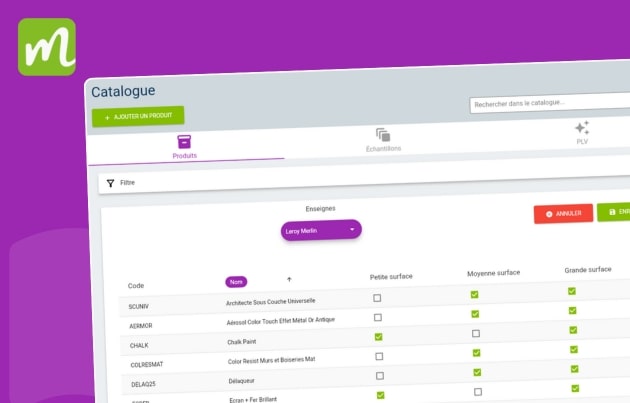
Moovago’s sales plan enables you to automatically reproduce the distribution of products according to the requirements of your sales strategy. This feature is particularly useful for checking the conformity of product layouts in supermarkets and hypermarkets, on the basis of brand agreements negotiated with national buying groups. How does the sales plan work? The principle […]
Events: presentation & features
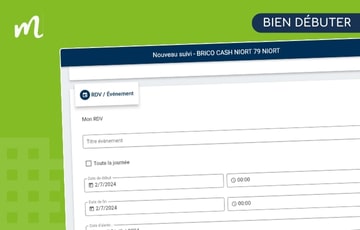
Updated on 12/11/2025. The Moovago agenda lets you visualize your sales activity schedule, containing all the events you and/or your team will have to manage. Follow the guide below to get started with the diary. Create, modify, delete from calendar It is possible to create a diary event from different pages in the Moovago application: […]
Commercial news: presentation & features
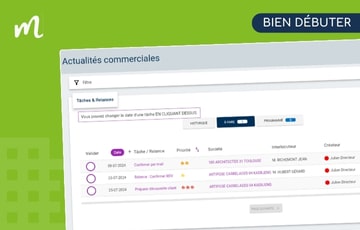
Updated on 14/11/2025. What’s business news? Sales news is a Moovago page that enables sales reps to view all the tasks, reminders and events to be carried out in their Moovago session on a single screen. Unlike the view of follow-up items in a company file, sales news groups together follow-up items for all companies […]
Tasks & reminders: presentation & functions

Updated on 14/11/2025. Let’s face it, the bane of salespeople’s existence is a lack of time and organization, resulting in a mental burden and a horrible feeling of having forgotten something! To combat this scourge, Moovago lets you quickly take note of what you’ve done and what you need to do so you can : […]
Reporting: presentation & functions
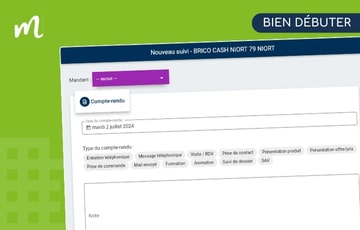
Updated on 14/11/2025. An essential element of sales follow-up, the sales report documents exchanges, boosts the effectiveness of prospecting and improves medium-to-long-term customer follow-up. To enable you to benefit from all these advantages while speeding up your entry, Moovago has developed a simple, accessible interface to enable you to enter reports from multiple locations within […]
Sales follow-up: presentation & functions
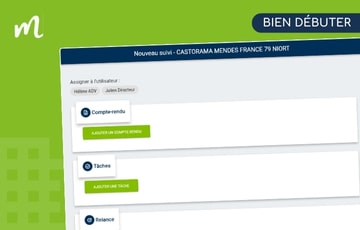
Updated on 14/11/2025. Whether you’re a salesperson, area manager, sales manager, sales agent or sales agency manager, sales follow-up is essential to your business, enabling you to effectively manage the follow-up of your customers and prospects, and keep track of their history. Sales follow-up is a central element of the Moovago application: it’s a set […]
Map presentation (web)
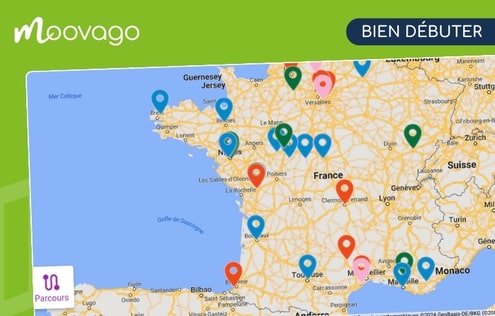
Updated on 12/11/2025 Moovago map: use & features A central element of the Moovago application, the map is a fun, visual way of organizing business activity. More specifically, the map enables you to : Geolocate all contacts in a portfolio of customers and prospects on a map, Interact with these contacts from the map (find […]
How do I add stages to a Route?
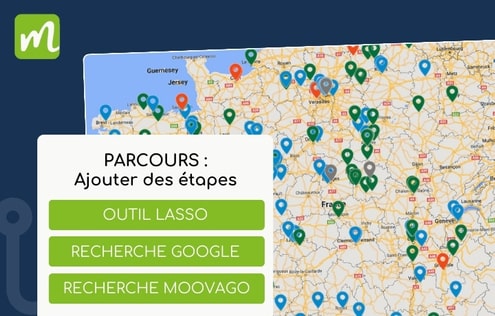
Updated on 14/11/2025 In the “Parcours” sales tour organization tool, different methods are proposed for adding stages to your tour, i.e. companies to visit. Let’s take a look at these different methods, with our tips for top tours! 👇 Add companies registered in Moovago To carry out your customer visits and follow-up rounds, you’ll need […]
Create, modify, delete business consultations (video – web)
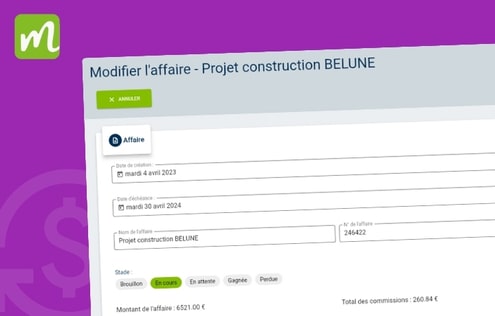
What is a business consultation in Moovago? The Moovago Business tracking option lets you create and manage business deals involving one or more brands. A consultation will correspond to a quote from one of your partner brands. If you work with several principals, you can have several business consultations. Video tutorial on Business tracking consultations […]
Manage a business with Business tracking (video – web)
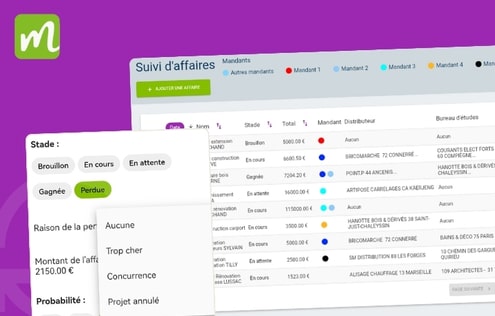
How to manage a business with Moovago Business tracking? Rethink your business management with Moovago Business tracking. Alone or in a team, keep track of all your sales opportunities with our Business tracking software available on mobile application, tablet and web browser. Boost your sales revenue while saving time: focus your efforts and those of […]