


Introduction to Optimized routes on mobile
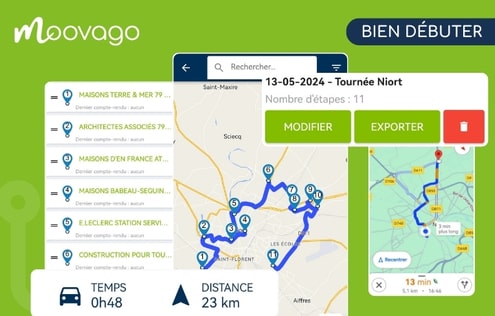
Updated on September 7, 2026 Would you like to check out this tutorial for the web version of the Moovago application? Click here! Sales routes are a key concern for traveling sales representatives! At Moovago, our round planning and optimization tool is included in all our packages. Welcome to this comprehensive guide to your new […]
Prepare an Excel file to import sales revenue (web)
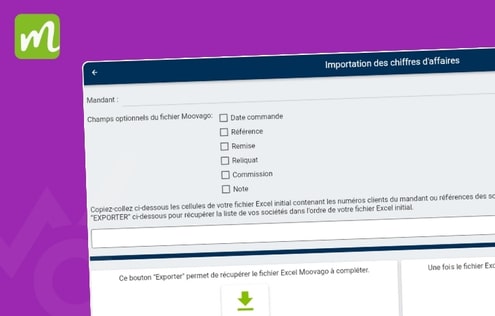
How do I customize an Excel file before importing sales revenue? The purpose of this video is to show you how to set up your sales revenue Excel file before importing it into Moovago. https://youtu.be/Wpk0vEJakWE
Personalize contact person functions (video – web)
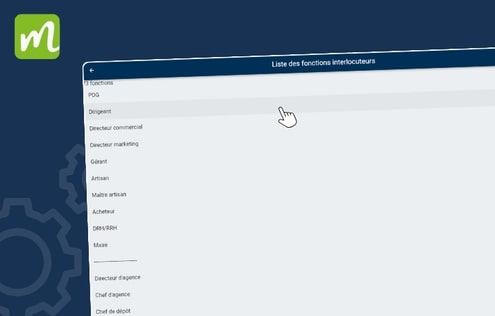
Watch this video to change the function of your contact persons The purpose of this video is to show you how you can change the function of your contact persons in the Moovago sales CRM. https://youtu.be/mYSTbnebavw
Import sales revenue data linked to a principal (web)
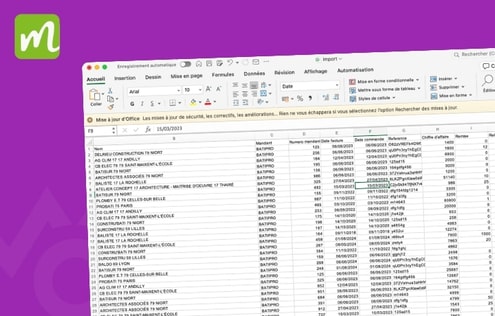
Watch this video to import your sales revenues The purpose of this video is to show you how sales revenue import works in Moovago sales CRM. https://youtu.be/8Ie7NiYHfew
Create and customize segmentation (web)
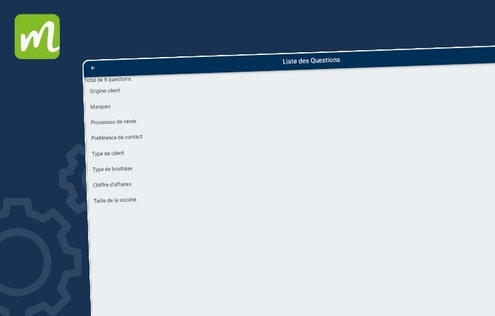
Updated on 12/11/2025 Go to the Moovago web application. Go to “Settings”. Go to group settings. Go to the segmentation tab. In this tab, you can see all the segmentations already defined. Click on the “+” button to add a new segmentation. Name the question the segmentation will answer and save. Click on the new […]