


Would you like to quickly organize a sales round in a given area (neighborhood, city, county, region)? Then you’ve come to the right place to find out how you can speed up the organization of your round with Moovago’s Lasso.
The Lasso is a tool that allows you to quickly select all companies in an area by circling them on the Moovago map.
Important note: the lasso is one of many ways to add companies to a route. To discover the other methods, check out this article.
Find and activate the Lasso tool
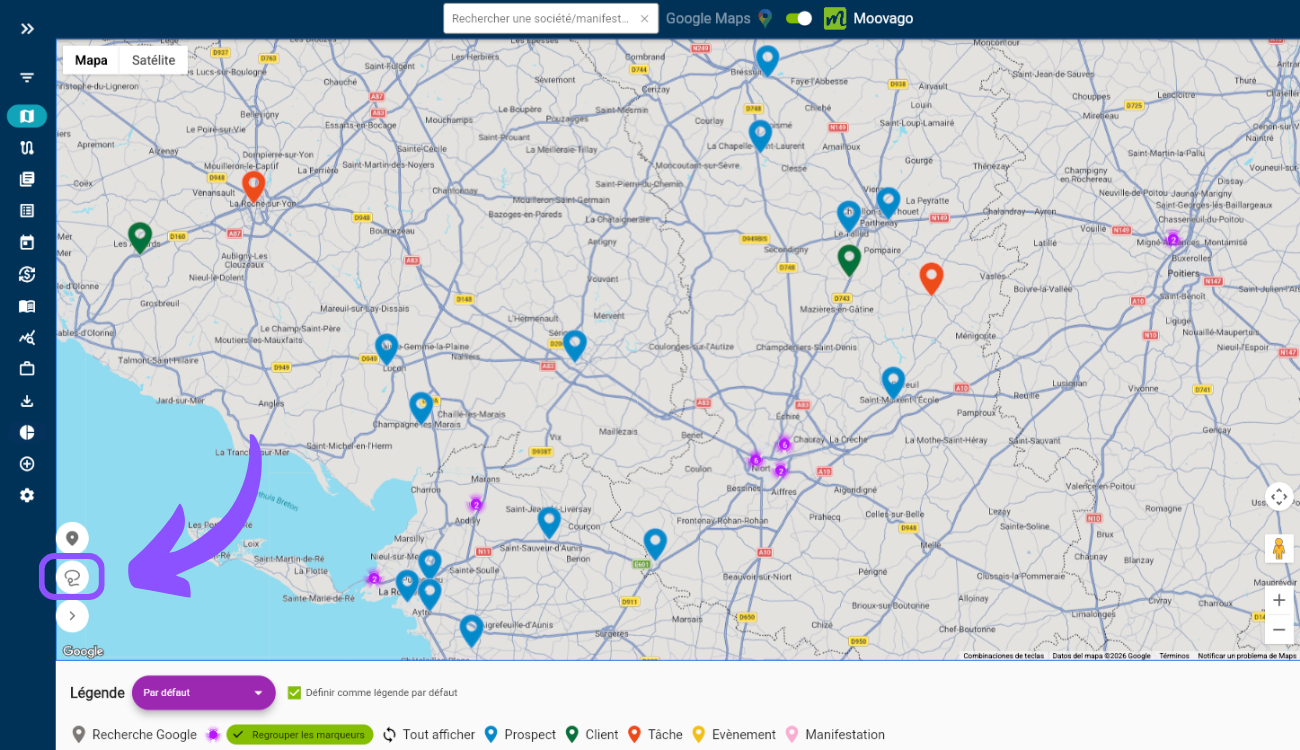
- Directly on the map, click the Lasso icon at the bottom left.
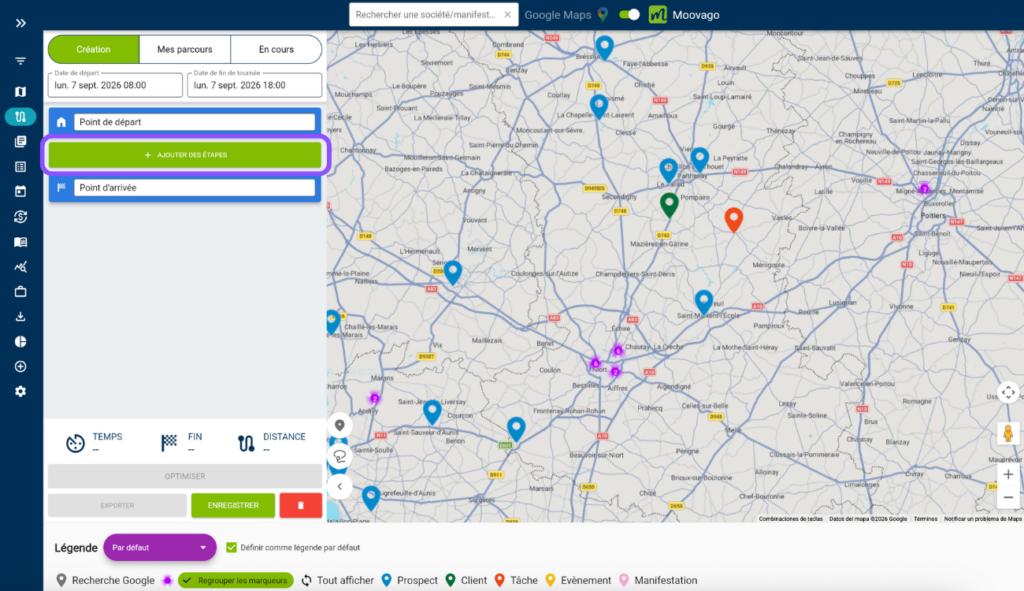
- Or from the Route window (to the left of the map on web / desktop, and on the “Route” screen on mobile), click the “Add stops” button, then “Lasso selection”.

Note: The lasso is activated if the icon at the bottom left of the map has changed to show a white cross on a blue background. To deactivate the lasso tool, click this same cross. It will then turn back into the lasso icon.
Circle the companies to be included in the Journey

Check and confirm your selection
An insert opens in the middle of the page, listing the companies you’ve circled. Again, the color of a line corresponds to the legend (blue for prospects, green for customers, purple for suspects).
On the left, deselect the companies you do not want to add to the route. Leave as is to add everything to the route.
Note: If no company has been found in the circle formed, this insert will be empty. To leave it, click next to it (e.g. on the map).
You can also sort the points using the drop-down menu at the top of the window: in ascending or descending name order, or in ascending or descending date of last follow-up.

Validez en appuyant sur “Ajouter au parcours”.
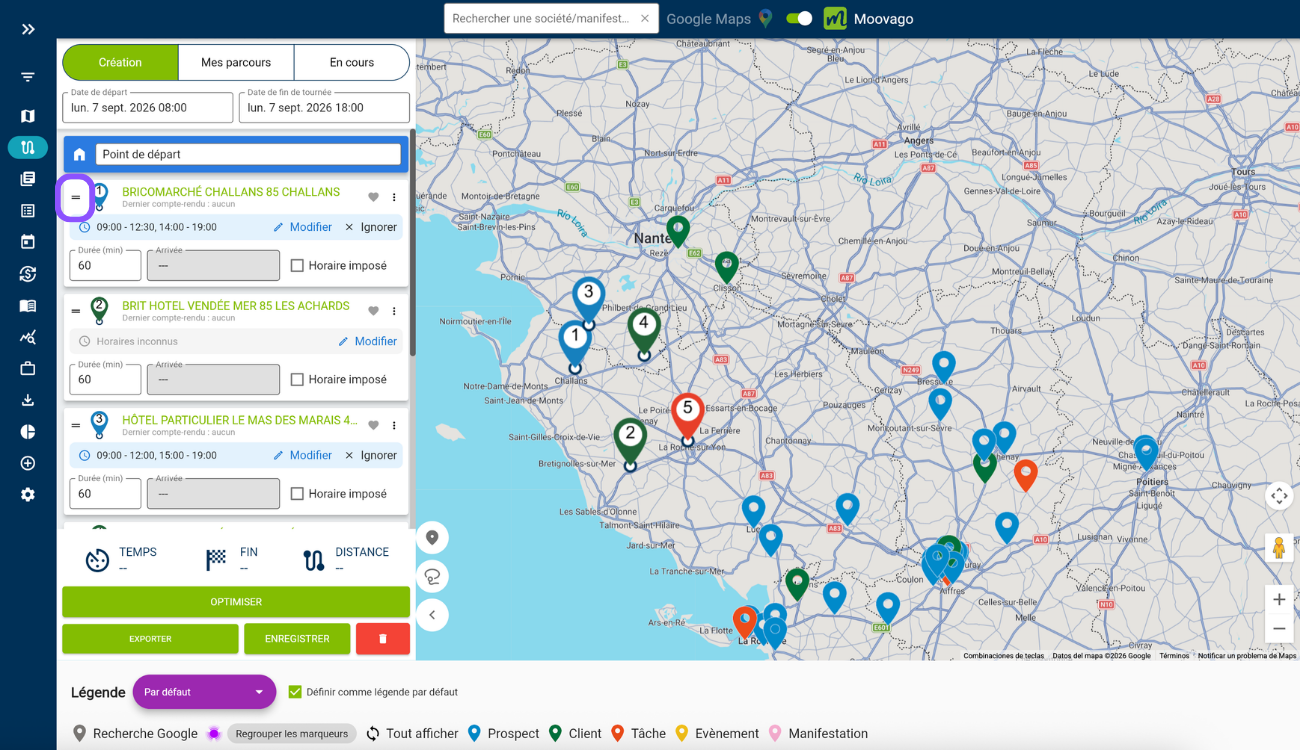
You can reorder the companies by using the “=” next to each stop. Simply drag and drop the stop wherever you want. If you’re happy with the order, you can save the route. You can also choose the route settings (departure/arrival day and time, appointment duration, opening hours…) and then optimize the route using the Optimize button.
To learn more about route optimization, check out our dedicated tutorials.